
ACERIS helps you define the physical access solution and coordinates the project with Qualicard. Installation and commissioning is carried out by the brand's technical team or authorized installers depending on the project. If there is sports management software, its provider must validate compatibility with readers, controllers or authorization systems and configure its part if applicable.
Access control
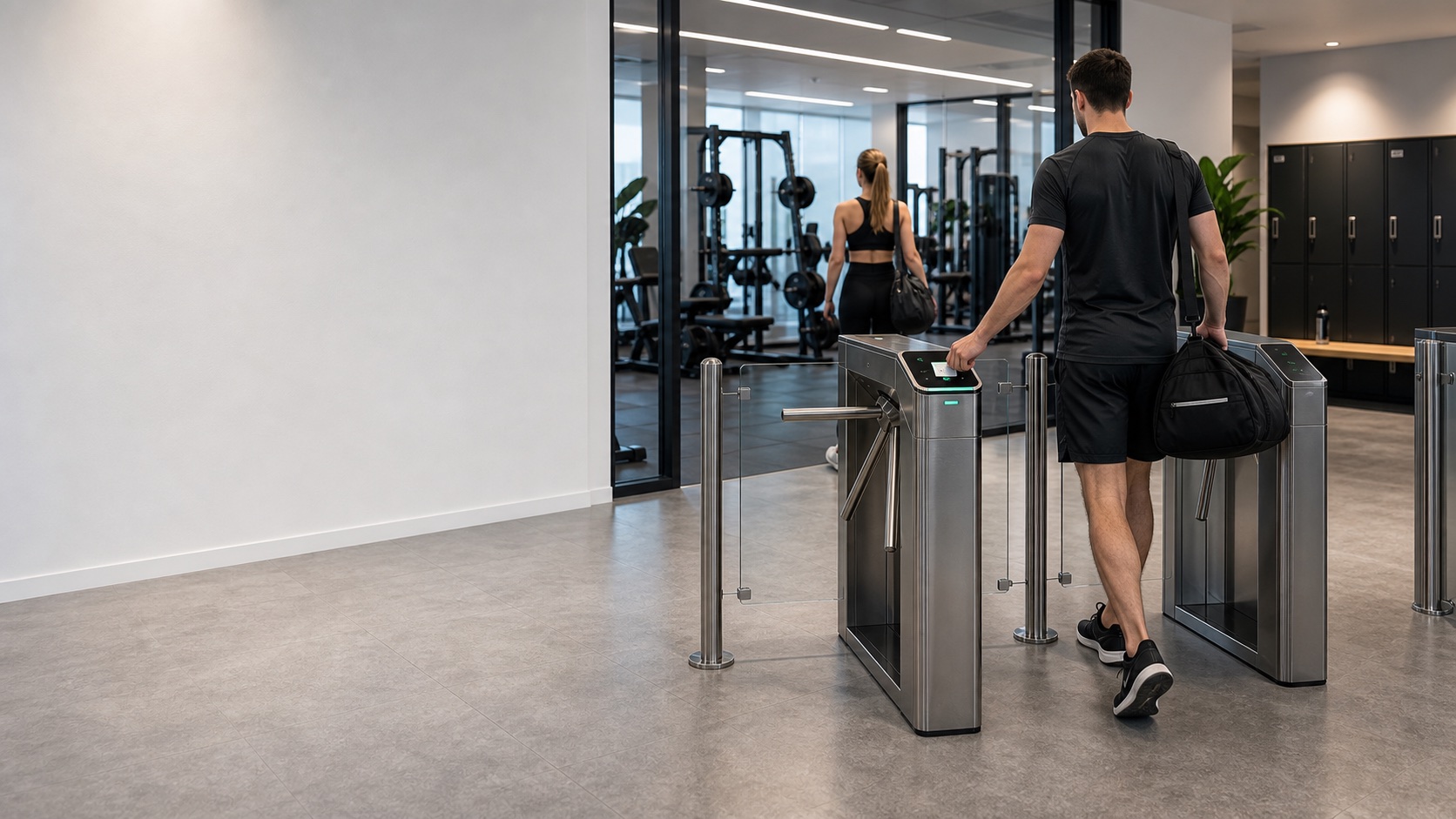
Access control for gyms and sports centers
Solutions to control the physical passage of users, members, staff and visitors in gyms, sports centers, academies, clubs and private facilities.
When does it make sense to install access control in a gym?
In a gym or sports center, access is usually one of the most important points of the installation. Members, occasional users, center staff, trainers, suppliers and visitors pass through it. If this access is not well controlled, it can be difficult to know who enters, when they enter and if they really have authorization to do so.
A turnstile, gate or access corridor allows you to physically organize the passage and prevent unauthorized entry. However, the physical equipment alone does not decide whether a person can access it. Authorization normally depends on the reader, the controller and, in many cases, the gym management software.
For this reason, before proposing a solution, it is important to review what system the center uses to manage users, partners, permissions or access. The sports software provider must indicate or validate which readers, controllers or systems are compatible with its platform and configure its part if applicable.
ACERIS can help you define and coordinate the physical part of the access with Qualicard: turnstile, gate, reader, credentials, controller and installation preparation. The connection to the gym management software should always be reviewed for compatibility, with validation and configuration by the software provider where appropriate.
This is how access control works in a gym
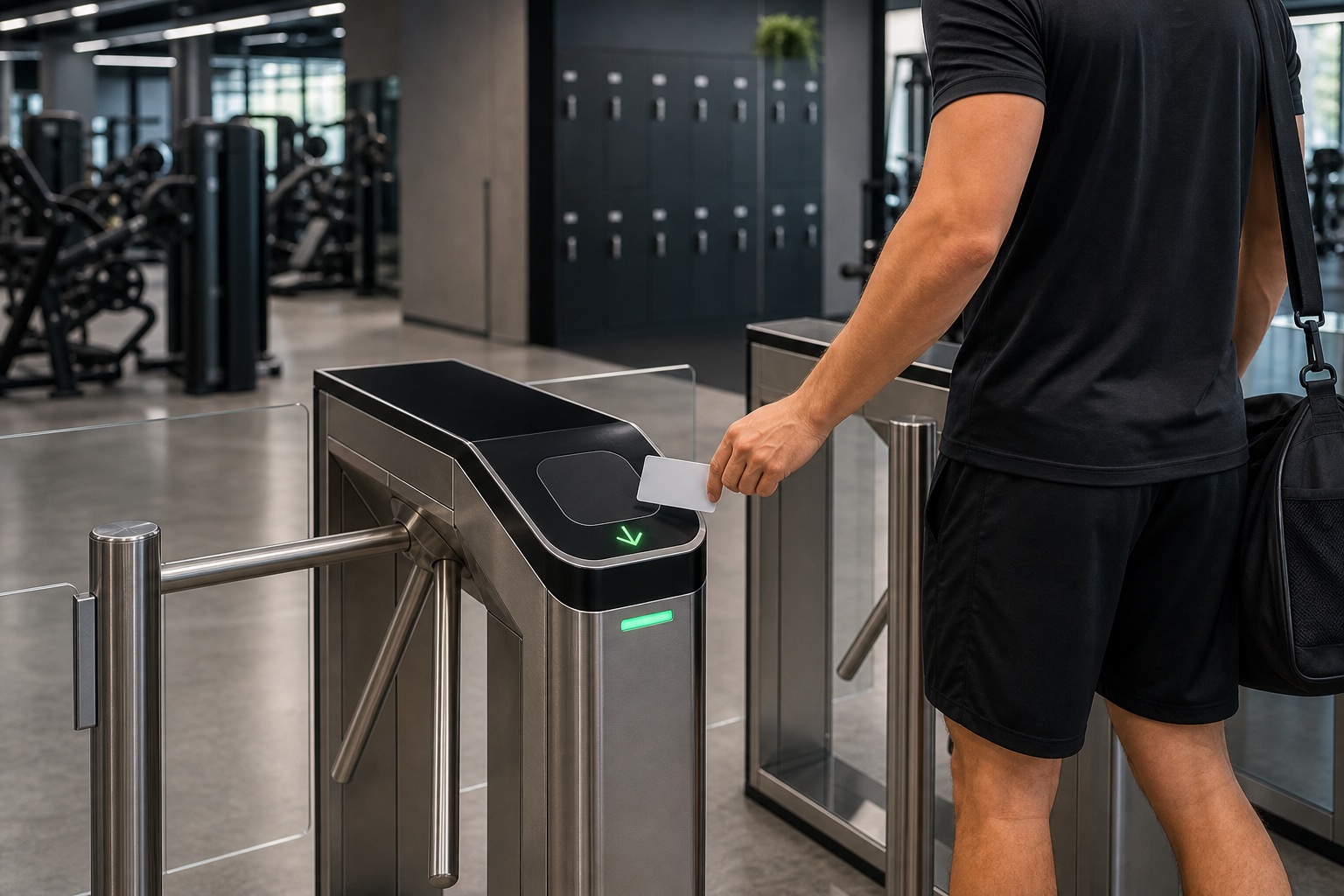
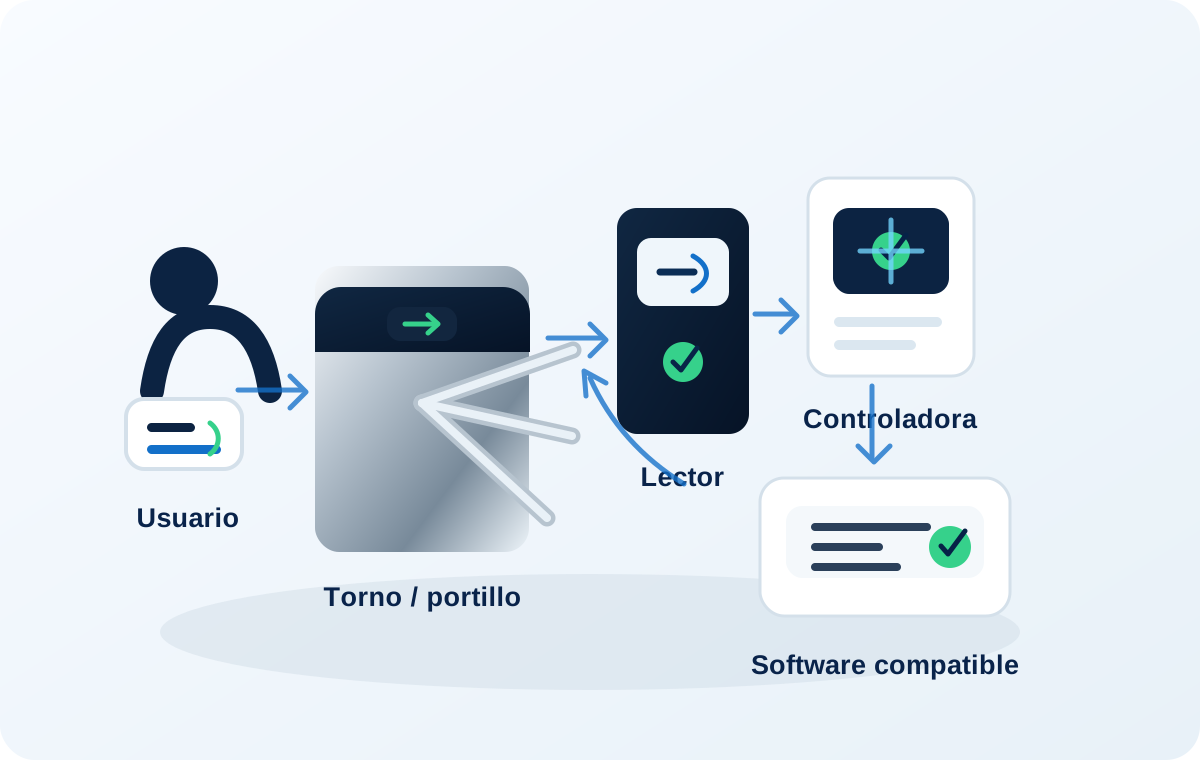
The turnstile or gate is the physical part that allows or blocks passage. Authorization depends on the system that validates the user. In many gyms, this validation may depend on the sports management software, so it is essential to check compatibility before installing.
- User The member, user or authorized personnel is identified by card, RFID/MIFARE keychain, QR or other compatible system.
- Reader The reader receives the credential and sends the request to the system defined for the project.
- Controller / software The system validates whether the user has permission to access according to the configuration defined by the center and, if applicable, by the software provider.
- Turnstile opening If access is authorized, the turnstile, gate or corridor releases the passage.
Regular configuration for gyms and sports centers
The most common configuration for a gym combines a tripod turnstile or access corridor with readers, controller and compatible credentials. The objective is that physical access is ordered and that only authorized users can pass.
In simple installations, a solution with a turnstile and reader for RFID/MIFARE credentials may be considered. In centers that already work with sports software, it is necessary to review what hardware that software supports and how the opening order should be sent to the turnstile or gate.
ACERIS does not replace the gym management software. The role of ACERIS is to help you define the physical part of the access and coordinate the technical solution with Qualicard. The validation of members, quotas, reservations or internal permits, if applicable, corresponds to the center's software and its provider, which must configure its part when appropriate.
- Tripod turnstile, gate or access corridor depending on the type of installation.
- RFID/MIFARE readers, QR or other compatible systems depending on the project.
- Credentials for users, authorized personnel or visitors.
- Controller or opening system connected to the turnstile.
- Coordination with the sports software provider if it exists.
- PMR step or accessible alternative if the facility requires it.
- Compatibility review before promising integration.
If the solution uses cards, keychains or bracelets, we also review the RFID/MIFARE credentials suitable for installation.
What do we review before quoting?
Each gym has a different way of managing users and access. Before recommending equipment, we review the current operation of the center and the relationship between the physical part of the access and the management software, if it exists.
Center type
We assess whether it is a gym, sports center, club, academy, box, private facility or center with several accesses.
Flow of users
We analyze how many people enter per day, peak hours, free entry, classes, shifts or concentrated accesses.
Management software
We review whether the center already uses sports software and what hardware or opening systems must be validated by their supplier.
Credentials existing
We check if cards, keychains, QR or other identification systems are already used and if they can be used.
Physical equipment type
We assess whether a tripod turnstile, hallway, gate or other solution fits better depending on space, image and use.
Accessible step
We review whether an accessible alternative should be included for people with reduced mobility, visits or specific accesses.
Power and network
We verify needs for electricity, wiring, data network and location of controllers or readers.
Compatibility and integration
Before considering integration, it must be validated with the software provider which readers, controllers or protocols are compatible.
Common mistakes to avoid
In gyms, the most common mistake is to think that installing a turnstile is enough. The turnstile only controls the physical pace; Authorization depends on the system that validates whether the user can access.
- Buying a turnstile without reviewing the gym management software.
- Assume compatibility with the sports system without validating it.
- Confusing the physical control of the passage with the management of members, quotas or reservations.
- Do not define who authorizes the passage. and which system sends the opening order.
- Install readers without validating credentials, protocols or compatible controllers.
- Do not provide a PMR passage or accessible alternative when necessary.
- Choose equipment that is not very robust for intensive daily use.
- Do not check power supply, data network or wiring before budgeting.
Elements that can be part of the solution
Depending on the center, the solution can combine different elements. The key is that the physical equipment, the reader, the controller and the authorization software work in a coordinated way.
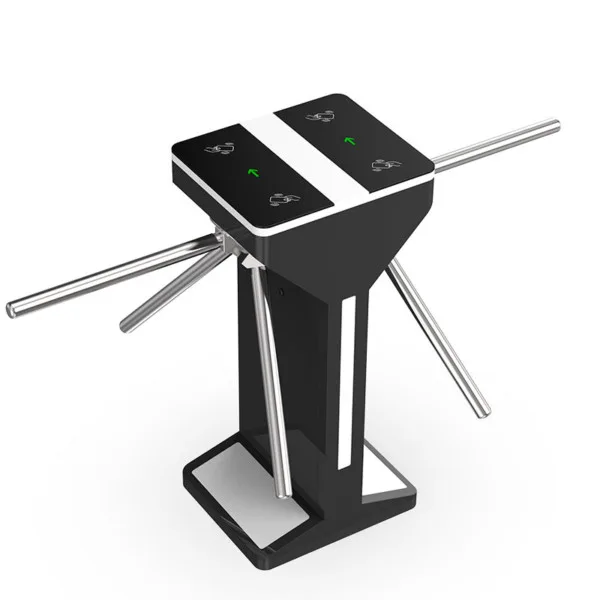
Tripod turnstiles
Suitable for controlling individual passage in gyms, sports centers and frequently used entrances.
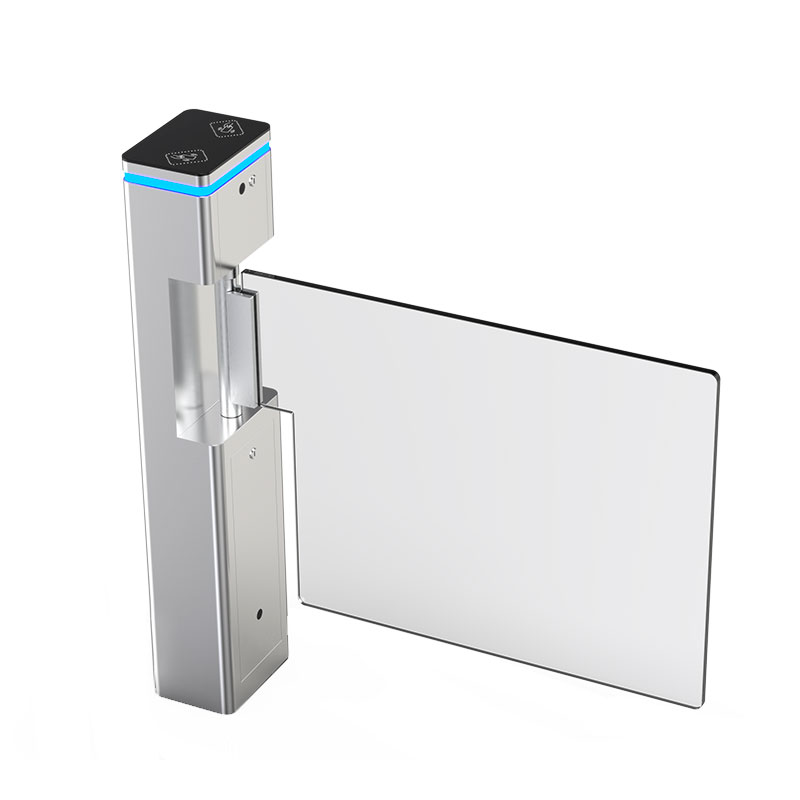
Corridors or gates
They can be valued when looking for a more careful image, a more comfortable passage or an accessible solution.
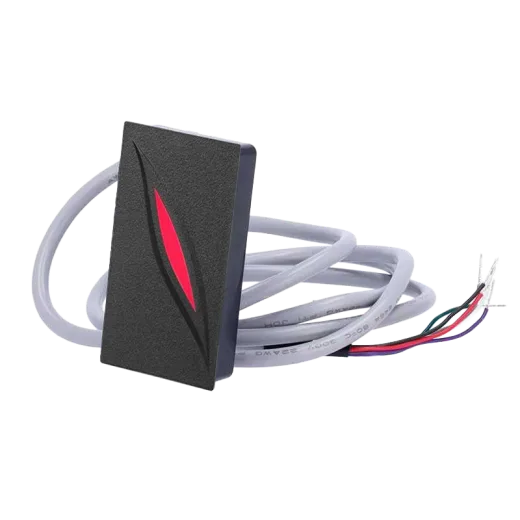
RFID/MIFARE or QR readers
They allow the user to be identified by card, keychain, QR or other system compatible with the project.
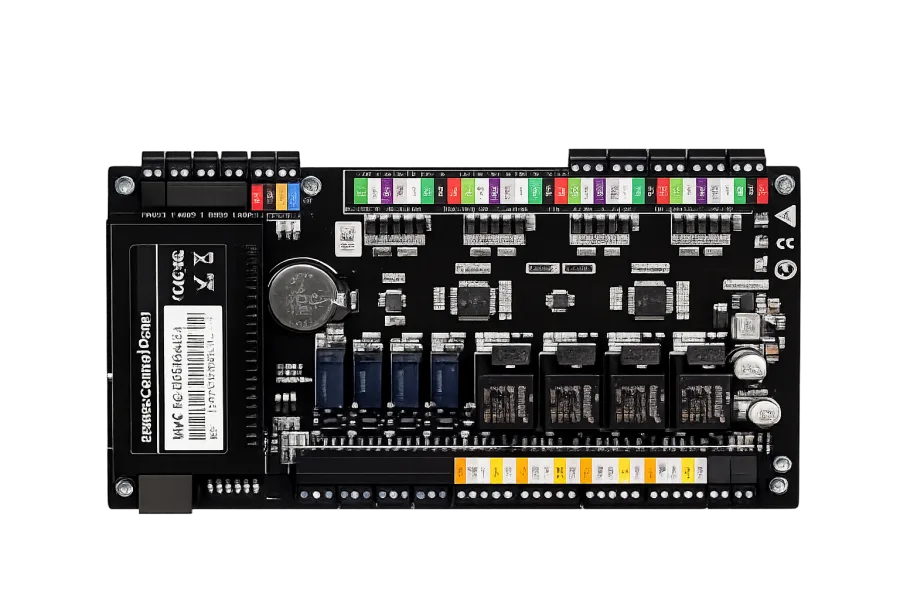
Controllers
They receive authorization from the compatible system and send the opening order to the turnstile or gate.
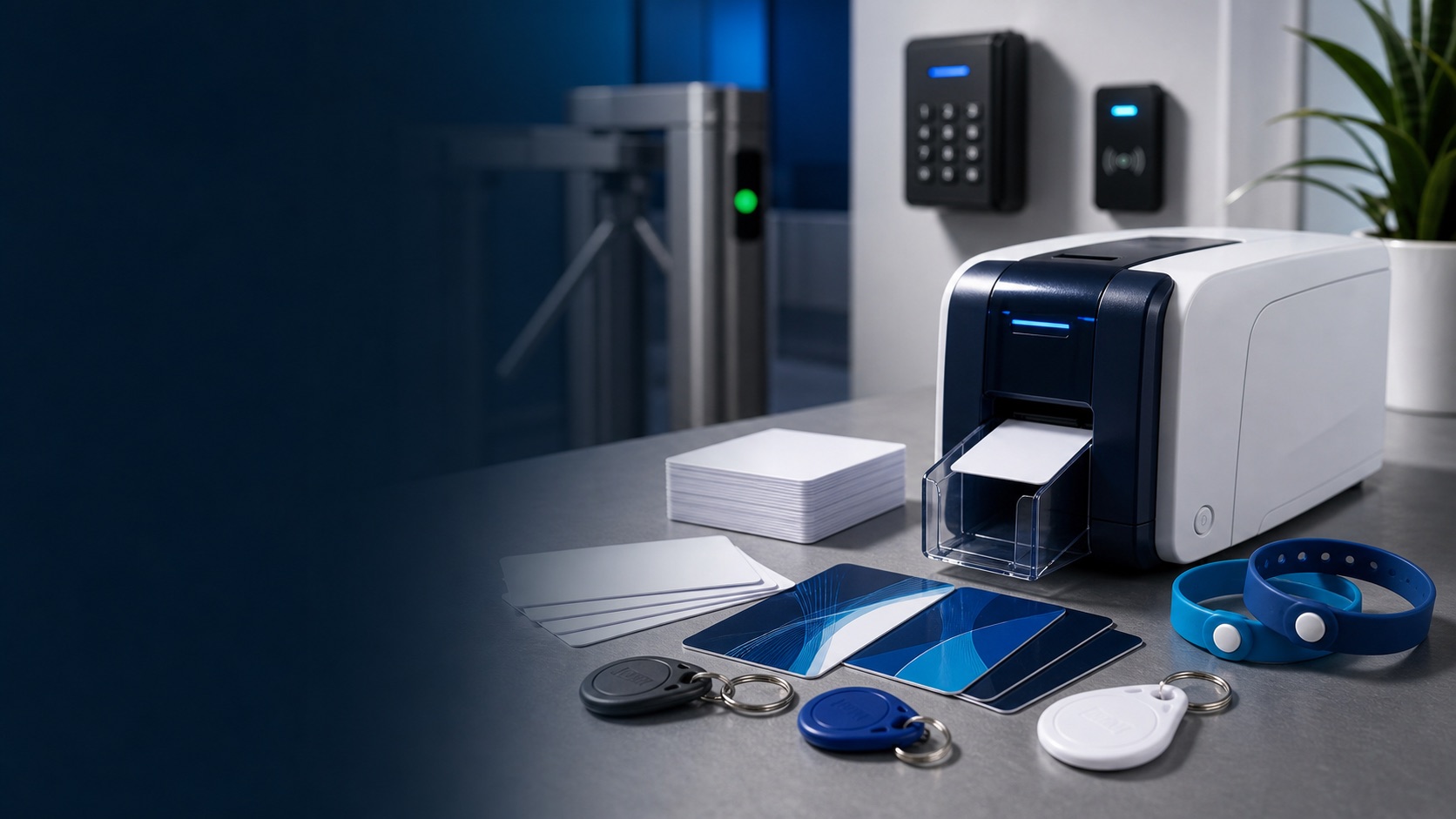
Credentials
Cards, keychains or bracelets to identify users, authorized personnel or temporary accesses.
Center software
The sports software can be responsible for validating users and permissions if it supports integration with the necessary hardware.
The choice of equipment depends on the existing software, the flow of users, the available space and the technical compatibility of the project.
FAQ
Frequently asked questions
Which part manages ACERIS and which part manages the gym software?
ACERIS focuses on the physical part of access control: turnstile, gate, reader, controller, credentials and technical coordination. The management of members, quotas, reservations or internal permits corresponds to the gym management software.
Can the turnstile work with my gym software?
It depends on the software. Before promising an integration, you must check which readers, controllers, protocols or opening systems are supported by the sports software provider, who must validate compatibility and configure their part if applicable.
Can it be opened with a card, keychain or QR?
Yes, the use of a card, RFID/MIFARE keychain, QR code or other compatible systems may be considered. The appropriate option depends on the hardware chosen and the software that validates access.
Does the turnstile block users with unpaid fees?
The turnstile only physically allows or blocks the passage. For access to depend on quotas, permissions or user status, the gym software must be prepared to validate that information and send the corresponding order.
Is an accessible step necessary?
It depends on the installation and the applicable regulations, but it is advisable to provide an accessible alternative for people with reduced mobility, visitors, companions or specific accesses.
Can I install just the turnstile and leave the integration for later?
It can be evaluated, but it is not always recommended. If the turnstile must depend on the gym's software, it is advisable to check compatibility before installing to avoid later modifications.
Who coordinates the commissioning of the system?
ACERIS helps you define the physical solution and coordinates the project with Qualicard. Installation and commissioning is carried out by the brand's technical team or authorized installers depending on the project. If there is sports software, your provider must validate compatibility and configure their part if applicable.
Proposal
Request a proposal for this access
Do you want to control access to your gym?
Tell us how you currently manage users, what software you use and how you want to control physical passage. We help you define the combination of turnstile, reader, controller and credentials that best fits your installation.
Or contact us by phone or email